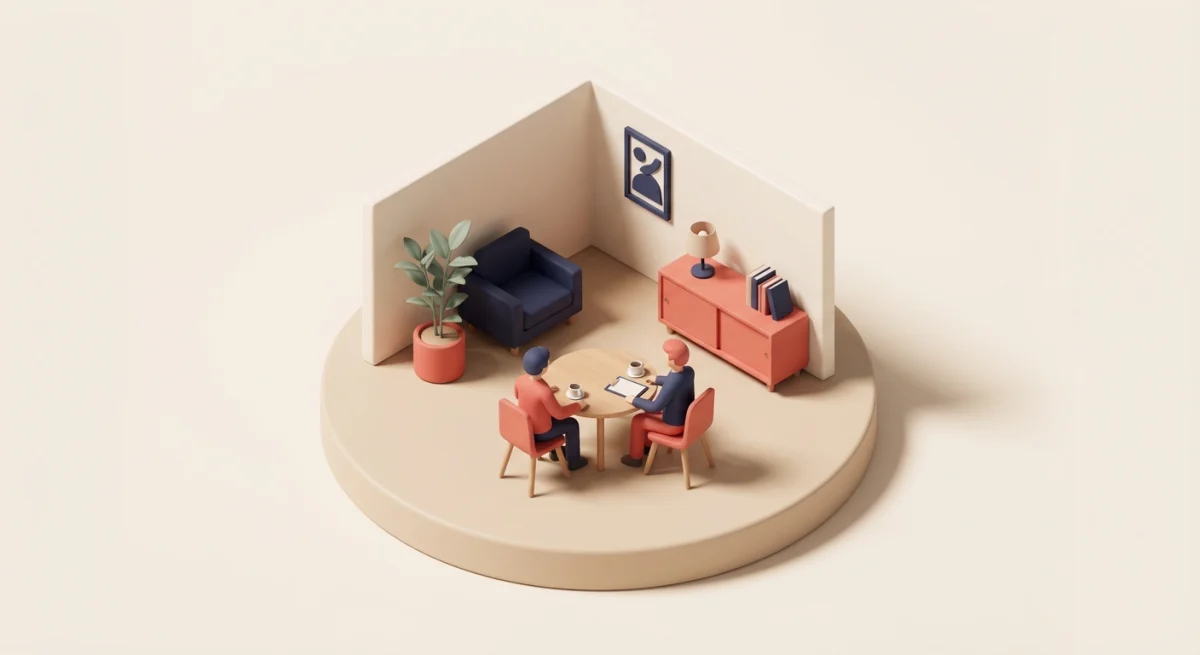
A team meeting agenda template is a pre-built outline that structures your meeting around specific topics, time blocks, and outcomes. Instead of walking into a room (or a Zoom call) hoping for the best, you hand every participant a roadmap — what you'll discuss, how long each item gets, and what decisions need to happen before everyone leaves.
Below you'll find four ready-to-use templates — weekly, monthly, all-hands, and leadership — plus a step-by-step guide for building your own. Every template includes time blocks so meetings actually end on time.
Why You Need a Team Meeting Agenda
Most people don't hate meetings. They hate bad meetings — the ones that run 20 minutes over, circle the same topic three times, and end with "so... what did we decide?"
Research from Harvard Business Review found that 71% of senior managers consider meetings unproductive and inefficient. The culprit isn't the meeting itself. It's the lack of structure.
Here's what a simple agenda fixes:
| Problem | How an Agenda Solves It |
|---|---|
| Meetings run long | Time blocks create natural cutoffs |
| Conversations go off-track | Defined topics keep focus |
| Same 2 people dominate | Round-robin sections give everyone a slot |
| No clear outcomes | Action items section forces decisions |
| People show up unprepared | Agenda shared in advance sets expectations |
A 15-person startup in Portland started using a structured weekly agenda and cut their average meeting time from 58 minutes to 35 — while actually covering more ground. The trick wasn't talking faster. It was knowing exactly what to talk about before anyone sat down.
Weekly Team Meeting Agenda Template
The weekly meeting is your team's heartbeat. Miss a beat and alignment drifts. Make it too long and people tune out. This 45-minute template hits the sweet spot.
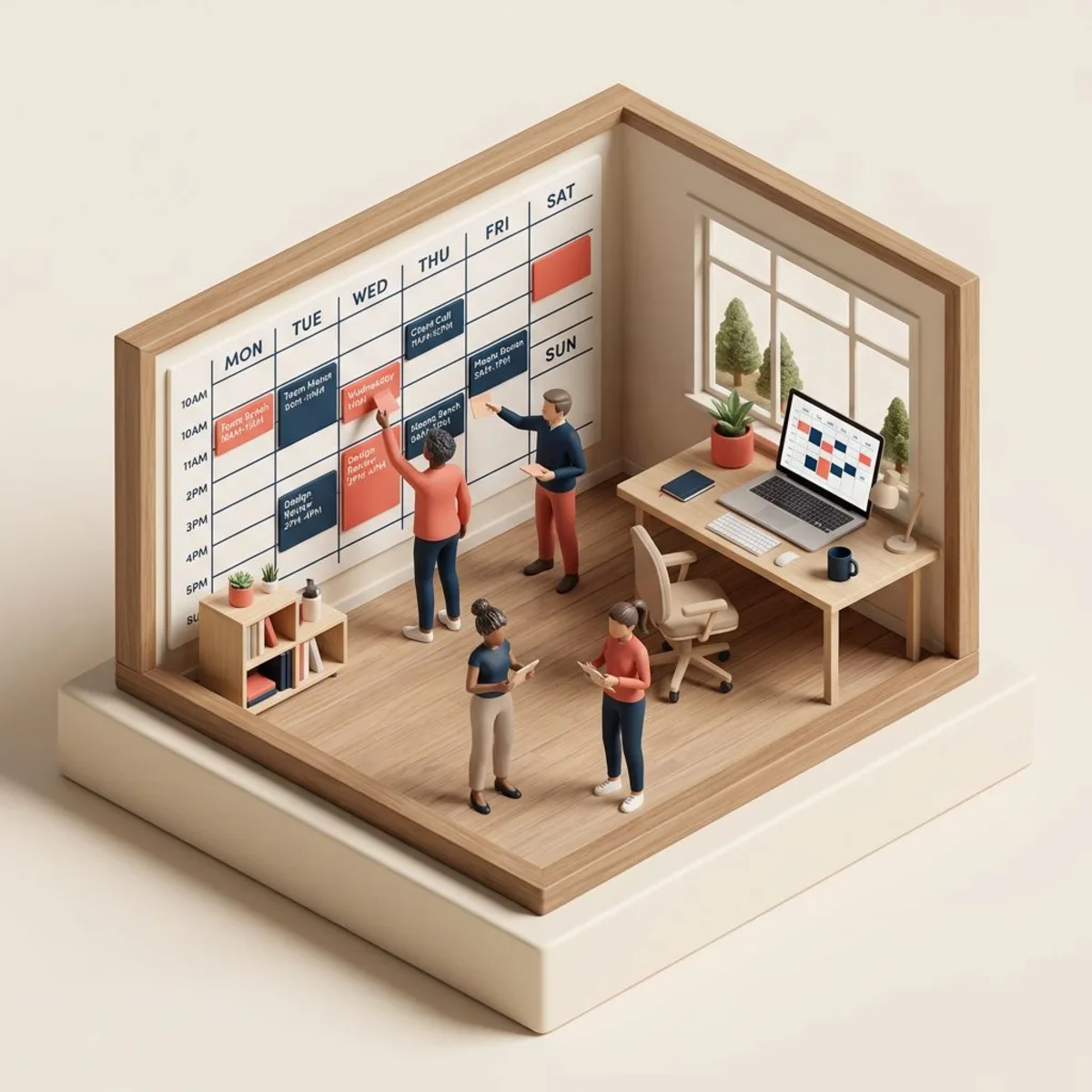
Duration: 45 minutes | Frequency: Weekly | Best for: Teams of 4–15
Opener & Wins (5 minutes)
Start with energy. Ask each person to share one win from the past week — a closed deal, a bug fixed, a positive customer email. This isn't fluff. Recognition drives engagement, and a quick round of wins sets a collaborative tone before you dive into heavier topics.
Metrics Check-In (5 minutes)
Review 2–3 key metrics that matter to your team's goals. Don't read every number on a dashboard. Pick the ones that moved — up or down — and briefly discuss why.
Example: "Website signups are up 12% this week. Looks like the new landing page is working. Support tickets also jumped — let's flag that for discussion."
Project Updates — Round Robin (15 minutes)
Each team member gets 2–3 minutes to answer three questions:
- What did I complete this week?
- What am I working on next?
- Am I blocked on anything?
Keep it tight. If something needs a deeper discussion, park it — don't let one update eat the whole meeting. For more structure on individual check-ins, see our one-on-one meeting template.
Discussion Items (15 minutes)
This is where the real work happens. Tackle 2–3 topics that need group input — a new process, a customer escalation, a hiring decision. Whoever owns each topic presents for 2 minutes, then the floor opens.
Pro tip: Have people add discussion items to a shared doc before the meeting. No surprises, and everyone arrives with context.
Action Items & Wrap-Up (5 minutes)
End every meeting the same way: read back the action items, assign owners, and set deadlines. If it didn't get an owner, it didn't happen.
Template (copy-paste ready):
WEEKLY TEAM MEETING — [Date]
Duration: 45 min

1. Wins & Opener (5 min)
   - Each person: one win from this week

2. Metrics Review (5 min)
   - KPI 1: _________
   - KPI 2: _________
   - KPI 3: _________

3. Round Robin Updates (15 min)
   - [Name]: Done / Next / Blockers
   - [Name]: Done / Next / Blockers
   - [Name]: Done / Next / Blockers

4. Discussion Items (15 min)
   - Topic 1: _________ (Owner: ___)
   - Topic 2: _________ (Owner: ___)
   - Topic 3: _________ (Owner: ___)

5. Action Items (5 min)
   - [ ] Action — Owner — Due date
   - [ ] Action — Owner — Due date
Monthly Team Meeting Agenda Template
Monthly meetings zoom out. While weeklies track execution, monthlies evaluate direction. This is where you ask: Are we working on the right things?
Duration: 60 minutes | Frequency: Monthly | Best for: Department-level teams
-
Month in Review (10 min) — Summarize key achievements, missed targets, and surprises. Use data, not feelings. Pull from your HR metrics dashboard if you track them.
-
Goal Progress (15 min) — Review each team goal against its target. Are you on track, ahead, or behind? For each goal that's off-track, identify one corrective action. Writing SMART goals makes this step much cleaner.
-
Cross-Team Updates (10 min) — What's happening in other departments that affects your team? New product launches, policy changes, upcoming events. This prevents silos.
-
Strategic Discussion (15 min) — Pick one bigger-picture topic: Should we hire for this role? Is our process for X still working? Do we need to pivot on Y?
-
Team Health Check (5 min) — Quick pulse check. Ask everyone to rate their workload and morale on a 1–5 scale. Anonymize it if that feels safer. This surfaces burnout before it becomes a resignation letter. Consider running a full employee engagement survey quarterly.
-
Next Month's Priorities (5 min) — Set 3–5 priorities for the coming month. Be specific. "Improve marketing" isn't a priority. "Launch the email campaign by March 15th" is.
Template (copy-paste ready):
MONTHLY TEAM MEETING — [Month, Year]
Duration: 60 min

1. Month in Review (10 min)
   - Top 3 achievements: ___________
   - Missed targets: ___________
   - Surprises: ___________

2. Goal Progress (15 min)
   - Goal 1: [Status] — Action: ___
   - Goal 2: [Status] — Action: ___
   - Goal 3: [Status] — Action: ___

3. Cross-Team Updates (10 min)
   - From [Dept]: ___________
   - From [Dept]: ___________

4. Strategic Discussion (15 min)
   - Topic: ___________
   - Decision/Next steps: ___________

5. Team Health (5 min)
   - Average workload (1-5): ___
   - Average morale (1-5): ___

6. Next Month Priorities (5 min)
   - Priority 1: ___________
   - Priority 2: ___________
   - Priority 3: ___________
All-Hands Meeting Agenda Template
The all-hands is your company's broadcast channel. Everyone tunes in, so make it count. The biggest mistake? Turning it into a 90-minute executive monologue that could've been an email.
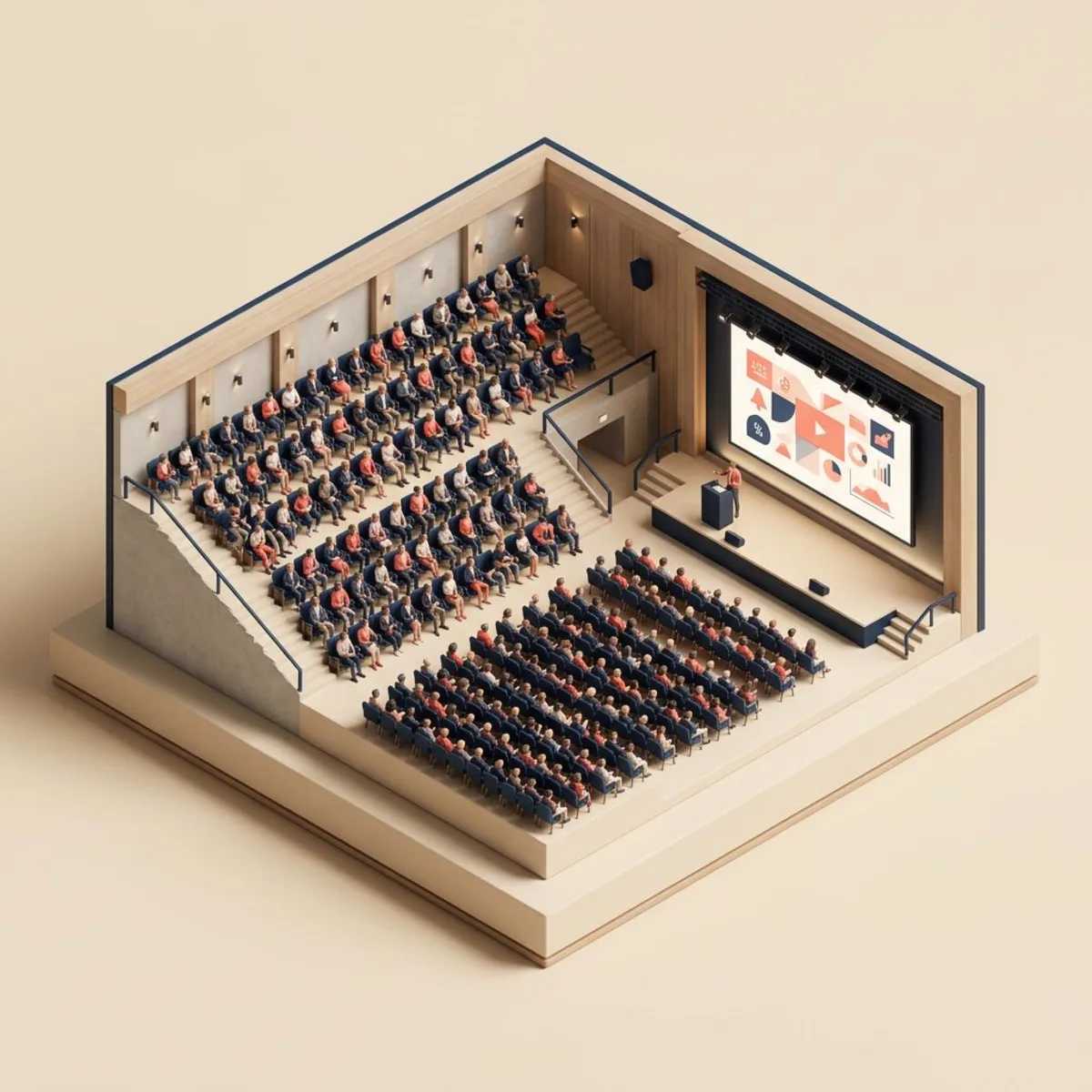
Duration: 60 minutes | Frequency: Monthly or quarterly | Best for: Entire company (10–100+)
A 40-person e-commerce company restructured their all-hands using this template and saw attendance jump from 65% to 94%. The secret? They cut the CEO's opening remarks from 30 minutes to 10, added a live Q&A, and started celebrating specific people — not just numbers.
Template (copy-paste ready):
ALL-HANDS MEETING — [Date]
Duration: 60 min

1. Company Update (10 min) — CEO/Founder
   - Key wins this period
   - Financial health (high-level)
   - Strategic direction

2. Department Spotlights (20 min)
   - [Dept 1]: 5-min highlight
   - [Dept 2]: 5-min highlight
   - [Dept 3]: 5-min highlight
   - [Dept 4]: 5-min highlight

3. Employee Recognition (10 min)
   - Shout-outs from managers
   - Peer-nominated highlights
   - Work anniversaries & milestones

4. Open Q&A (15 min)
   - Live questions (raise hand / chat)
   - Pre-submitted anonymous questions

5. What's Coming Next (5 min)
   - Upcoming launches, events, changes
   - Key dates to remember
For ideas on making recognition part of your culture beyond all-hands meetings, check our guide to employee recognition programs.
Leadership Team Meeting Agenda Template
Leadership meetings are where strategy meets execution. The stakes are higher, the topics are thornier, and the temptation to "discuss this offline" is constant. Fight that temptation — if it's on the agenda, resolve it in the room.

Duration: 75 minutes | Frequency: Weekly or biweekly | Best for: Executive team, department heads
LEADERSHIP MEETING — [Date]
Duration: 75 min

1. Scorecard Review (10 min)
   - Revenue: ___  vs target: ___
   - Pipeline: ___  vs target: ___
   - Customer metrics: ___________
   - Team metrics: ___________

2. Department Heads Update (20 min)
   - Each leader: 3-min update
   - Focus: blockers needing cross-dept help

3. Strategic Topics (30 min)
   - Topic 1: _________ (Owner: ___)
     Decision needed: ___________
   - Topic 2: _________ (Owner: ___)
     Decision needed: ___________

4. People & Culture (10 min)
   - Open roles / hiring pipeline
   - Retention concerns
   - Upcoming reviews or promotions

5. Decisions & Action Items (5 min)
   - Decision 1: ___________
   - [ ] Action — Owner — Due date
   - [ ] Action — Owner — Due date
The "People & Culture" block matters more than most leaders think. According to SHRM, the average cost-per-hire is $4,700. Spending 10 minutes per week on retention is one of the highest-ROI agenda items you can add. For structured feedback conversations, use our skip-level meeting questions to get candid insights from your team.
How to Create Your Own Meeting Agenda
Not every team fits neatly into a template. Here's how to build a custom agenda from scratch in six steps.

Step 1: Define the purpose. Every meeting needs a reason to exist. Write it in one sentence: "Align on Q2 priorities" or "Resolve the customer escalation process." If you can't articulate the purpose, cancel the meeting.
Step 2: List the topics. Brain-dump everything that needs discussion. Then ruthlessly cut. A 45-minute meeting can handle 3–4 topics well. A meeting that tries to cover 8 topics covers none.
Step 3: Assign time blocks. Give each topic a specific number of minutes. This is the single most impactful thing you can do. Without time blocks, the first topic always eats the meeting.
Step 4: Assign owners. Every topic needs a person responsible for presenting it and driving the discussion. "We should talk about X" isn't an agenda item — "Sarah will present the X proposal (5 min)" is.
Step 5: Share it early. Send the agenda at least 24 hours before the meeting. This gives people time to prepare, add items, and arrive with context. Store your agenda templates in a shared space like Tiny Team Documents so the whole team can access and contribute.
Step 6: End with action items. Build this into the agenda structure itself — a final 5-minute block for capturing decisions, owners, and deadlines. No meeting should end without clear next steps.
Tips for Running Effective Team Meetings
Even the best agenda falls flat with poor facilitation. These practices separate productive meetings from time sinks.
Start on time, every time. Don't wait for stragglers. When meetings consistently start late, you're training people that the agenda doesn't matter. Start at the scheduled time with whoever is present.
Use a parking lot. When someone raises a valid point that's off-topic, write it on a "parking lot" list. Revisit it at the end or schedule a follow-up. This respects the tangent without derailing the meeting.
Rotate the facilitator. Having different team members run the meeting each week builds leadership skills and keeps the format fresh. It also prevents the meeting from becoming one person's show.
Keep remote participants equal. If you're running a hybrid team, make sure remote attendees can see, hear, and contribute equally. Use chat for questions, call on remote participants by name, and share screens instead of pointing at whiteboards.
Follow the two-pizza rule. If you need more than two pizzas to feed the attendees, your meeting has too many people. According to Forbes, the most productive meetings have 5–8 participants. Everyone else can read the notes.
Common Meeting Mistakes to Avoid
| Mistake | Why It Hurts | The Fix |
|---|---|---|
| No agenda at all | People show up unfocused, topics meander | Send agenda 24h before every meeting |
| Agenda with no time blocks | First topic dominates, last topic gets skipped | Assign minutes to every section |
| Status updates that should be async | Wastes group time on individual reporting | Move updates to a shared doc or team calendar; discuss only blockers |
| Skipping action items | Great discussion, zero follow-through | Final 5 minutes always capture decisions + owners |
| Same format every time | Meeting fatigue sets in after a few months | Rotate structure — add guest speakers, team activities, or themed discussions |
| Inviting everyone "just in case" | Larger groups = less participation per person | Only invite people who need to contribute or decide |
Frequently Asked Questions
What should be on a team meeting agenda?
A team meeting agenda should include an opener or icebreaker, a metrics or progress review, individual updates from team members, 2–3 discussion topics with assigned owners, and a final section for action items with deadlines. The exact items depend on whether it's a weekly tactical meeting or a monthly strategic review.
How long should a team meeting be?
Most weekly team meetings work best at 30–45 minutes for teams of 4–10 people. Monthly meetings can run 60 minutes. All-hands meetings should cap at 60 minutes. Research from Microsoft shows that attention drops significantly after 30–35 minutes, so build in natural breaks for longer sessions.
How often should teams meet?
Weekly meetings work well for most teams handling active projects. Monthly meetings are better for strategic reviews and goal-setting. The key is consistency — pick a cadence and stick to it. Teams managing remote workers often benefit from slightly more frequent check-ins to maintain alignment.
Should I share the agenda before the meeting?
Always. Share the agenda at least 24 hours in advance so participants can prepare talking points, gather data, and add discussion items. A meeting where everyone arrives prepared runs twice as fast as one where people are learning the topics in real-time.
What's the difference between a meeting agenda and meeting minutes?
An agenda is the plan — it outlines what you'll discuss and in what order. Meeting minutes are the record — they capture what was actually discussed, decided, and assigned. You need both. The agenda drives the meeting; the minutes ensure follow-through.
How do I handle people who go off-topic?
Use the parking lot method. When someone raises a valid but off-topic point, acknowledge it, write it on a visible "parking lot" list, and promise to revisit it. This respects their contribution without derailing the agenda. After the meeting, schedule a follow-up or address it in the next meeting's discussion block.