The paychex vs adp choice comes down to one question. How much complexity do you really need? Both are payroll-first giants. They have run American payroll for decades. ADP pays about one in six U.S. workers. Paychex serves hundreds of thousands of small businesses. They overlap a lot. For a team of fewer than 100 people, what matters is price, ease of setup, and how much HR you can add on.
This guide breaks down both platforms side by side. We'll cover pricing, payroll, HR, time tracking, benefits, support, and the pros and cons of each. At the end, we'll look at a lighter, flat-rate option. It's for teams that need solid HR but don't need a full payroll engine on day one.
Paychex vs ADP at a glance
Here is the short version before we get into detail.
| Factor | Paychex (Flex) | ADP (RUN) |
|---|---|---|
| Best for | Businesses wanting HR + payroll bundled, PEO options | Established small businesses wanting a polished payroll platform |
| Core product | Paychex Flex | RUN Powered by ADP |
| Pricing model | Base fee + per-employee, custom quote | Base fee + per-employee, custom quote |
| Starting price (est.) | ~$39/mo base + ~$5/employee | ~$79/mo base + ~$4/employee |
| Payroll | Full-service, all 50 states | Full-service, all 50 states |
| Tax filing | Included | Included |
| HR features | Strong, scales into HR Services | Strong, ZipRecruiter hiring built in |
| Time tracking | Add-on | Add-on / integration |
| Benefits admin | Yes (insurance agency) | Yes |
| Support | Phone/email, 24/7 on higher tiers | 24/7 live support, well rated |
| Transparent pricing | No (quote required) | No (quote required) |
Both companies hide their real pricing behind a sales call. That is the most common complaint in Paychex vs ADP reviews. Expect a quote. Expect to negotiate. And expect the headline number to climb once add-ons pile up.
Pricing comparison
Neither vendor publishes a clean price list. Treat these as ballpark figures based on widely reported quotes. Your real number depends on headcount, pay frequency, state, and which modules you turn on.
ADP RUN tends to start around a $79 monthly base fee plus roughly $4 per employee, per pay run. ADP often runs promotions (a few months free) to win new accounts.
Paychex Flex tends to start lower, around a $39 monthly base fee plus roughly $5 per employee. The lower entry point is part of why Paychex appeals to very small teams.
A quick example for a 25-person team paid twice a month shows how this adds up:
- ADP RUN: ~$79 base + (25 × ~$4) = ~$179 per pay run. Twice a month, that is roughly $358/month before add-ons.
- Paychex Flex: ~$39 base + (25 × ~$5) = ~$164 per pay run. Twice a month, roughly $328/month before add-ons.
The catch with both: time tracking, advanced HR, benefits admin, and dedicated support often cost extra. The real invoice is usually higher than the first quote. Want to model the full cost of an employee, including employer taxes? Our free employer payroll tax calculator can help you check the math.
For deeper price breakdowns, see our guides to Gusto pricing and Rippling pricing. Both are payroll-capable tools that publish their rates openly, unlike Paychex and ADP.
Payroll features
This is where both platforms earn their reputation, and honestly, they are close.
Both ADP RUN and Paychex Flex handle full-service payroll. That means automatic federal, state, and local tax filing, W-2 and 1099 forms with IRS e-filing, direct deposit, and multi-state pay. Both automate recurring payroll, so you can approve a run in a couple of clicks.
ADP leans on its "RUN & DONE" automation and an error-check layer that flags issues before you submit. Paychex matches the core feature set. It also adds a wide range of pay options, including same-day and on-demand pay on certain plans.
Both keep tax tables current across all 50 states on their own. Still running payroll by hand and picking your first provider? Our guide on how to run payroll for a small business covers the basics before you commit to either one. The IRS guidance on depositing and reporting employment taxes is also worth a read. It shows what your provider handles for you.
Verdict on payroll: a near tie. ADP edges ahead slightly on automation polish; Paychex edges ahead on flexible pay options and a lower entry price.
HR and people management
This is where the two start to diverge, and where small teams should pay attention.
ADP RUN bundles a solid set of HR tools even on lower tiers. You get online onboarding, handbook templates, a job description wizard, salary benchmark data, and hiring through ZipRecruiter. Move up to the Complete or HR Pro tiers and you add deeper HR support, including access to HR pros.
Paychex counters with its HR Services tiers. At the top end, it offers a Professional Employer Organization (PEO) model. Here, Paychex co-employs your staff and takes on a big chunk of compliance and benefits work. That PEO option is useful for firms that want to outsource HR almost fully. But it is overkill and overpriced for a 15-person startup.
Here is the honest reality for small teams. Most of this HR functionality sits behind higher, pricier tiers. You buy a payroll platform, then pay to unlock the people-management features. Say your main need is an employee directory, time-off tracking, documents, and reviews — not payroll co-employment. Then you are paying a premium for a payroll engine you may not need yet. Compare that to purpose-built options in our roundup of the best HR software for small business.
Time and attendance
Neither platform includes robust time tracking in its base price.
ADP offers time and attendance as an add-on module. It integrates with tools like Deputy, ClockShark, and 7Shifts. Paychex offers Paychex Flex Time as a paid add-on. Options range from web punch to physical time clocks.
Both work fine once set up. But both add to the monthly bill. If you only need to track hours and overtime, a standalone tool plus our free time card calculator may cover you without the extra cost. Need scheduling on top of timekeeping? Our list of the best time and attendance software compares dedicated options.
Benefits administration
Both companies are licensed insurance brokers, which is a real advantage over pure HR software.
Through ADP, you can shop and manage health insurance, retirement plans, and workers' comp right inside the platform. Paychex offers the same through its own insurance agency and a well-known 401(k) business.
Want payroll, benefits, and retirement under one roof with one point of contact? This is a strong selling point for both. It is also the main reason a business might pick one of these giants over a lighter HR tool. You are buying the broker relationship, not just the software.
Not ready to manage benefits in-house, and just want to track pay cleanly? Read our guide to compensation planning. The framework works no matter which payroll provider you pick.
Ease of use and setup
Software reviewers consistently rate both platforms as capable but not exactly delightful.
ADP RUN has a modern, well-organized interface. Its mobile app is strong and highly rated for both admins and employees. Setup usually comes with a dedicated onboarding specialist, which helps. Still, the sheer number of modules can feel heavy for a tiny team.
Paychex Flex has improved its interface a lot in recent years. It is clean and works well. Some users still find the navigation busier than they would like. Onboarding also comes with a specialist.
The shared theme in real-world feedback: these are powerful, enterprise-grade tools. That power shows up as complexity. A founder who just wants a simple people-management system often finds both heavier than they need.
Customer support
Support quality is a frequent tiebreaker, and it is genuinely a strength for ADP.
ADP markets 24/7 live payroll support and scores well on it. The company reports that most customers value the round-the-clock access. Because ADP is so large, you also get a deep base of help docs and community knowledge.
Paychex assigns many accounts a dedicated rep. Some businesses love this. Others find it uneven, depending on who they get. Higher-tier Paychex plans unlock 24/7 support. Lower tiers may route you to business-hours channels.
Verdict on support: ADP has a slight edge on consistency and around-the-clock availability across more plan levels.
Pros and cons of each
A quick, honest scorecard.
Paychex pros and cons
Pros
- Lower entry price than ADP, friendlier to very small teams
- Flexible pay options, including on-demand pay
- Strong PEO and benefits/401(k) offering for businesses wanting to outsource HR
- Long track record and broad compliance coverage
Cons
- Pricing is opaque; you must request a quote
- Many HR features locked behind higher tiers
- Support consistency varies by assigned representative
- Add-ons stack up quickly
ADP pros and cons
Pros
- Excellent 24/7 support across plan levels
- Polished interface and well-rated mobile app
- HR tools (hiring, onboarding, handbooks) bundled even on lower tiers
- Massive scale and reliability; 75+ years in payroll
Cons
- Higher base price than Paychex
- Pricing is opaque; quote required
- Can feel heavy and over-featured for sub-20-person teams
- Best HR support sits on the priciest tiers
When to choose Paychex
Paychex makes the most sense in a few cases. You are price-sensitive at the entry level. You want the option to grow into a PEO or full HR-outsourcing setup. Or you value flexible pay options like on-demand pay. It is a solid pick for small businesses that expect to lean on a benefits broker. It also fits if you want payroll, retirement, and insurance from one vendor over time.
When to choose ADP
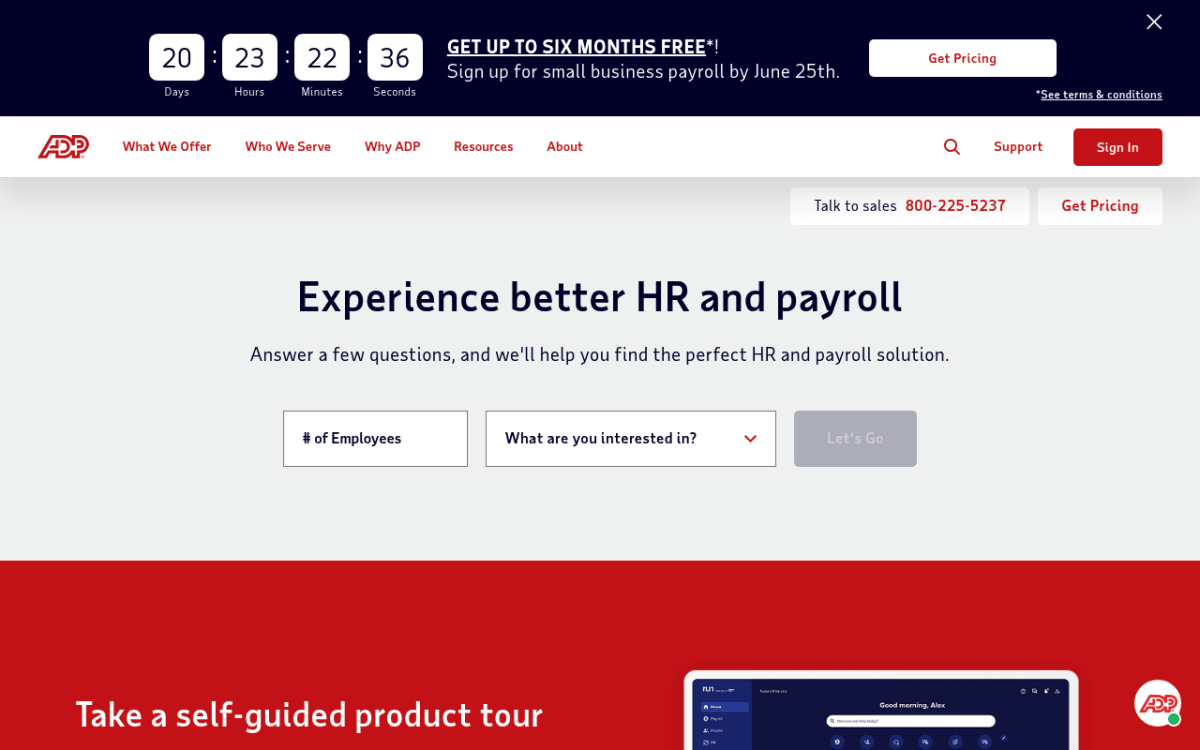
The ADP homepage, where RUN Powered by ADP is positioned for small-business payroll and HR.
ADP is the stronger choice in a few cases too. Support quality and reliability top your list. You want bundled HR and hiring tools without jumping to the priciest tier. Or you just want the most established name in the category. Teams burned by spotty support elsewhere often find ADP's 24/7 coverage worth the higher base fee.
A better option for small teams that need HR, not heavy payroll
Here is the question worth sitting with. Do you need a payroll megaplatform? Or do you mostly need to run your people operations well?
For a lot of teams under 100, the honest answer is the second one. You need an employee directory, time-off tracking, documents, an org chart, hiring pipeline, and reviews. You do not always need to buy a full payroll engine — with all its per-employee fees and add-on modules — just to get those HR basics in order.
That is the gap Tiny Team fills. It is flat-rate, all-in-one HR software built for teams of up to 50 people. It is not stripped-down enterprise software. Instead of a base fee plus a per-employee charge that grows every time you hire, you pay one one-time module price. Tiny Team offers one-time lifetime access to HR and Document Spaces per organization. Choose one module or buy several in a single payment. Each module has its own 30-day free trial, starting when you activate it. No credit card, automatic charges or per-person fees. See current module pricing. No tiers, no per-seat add-ons.
Because the price is flat, not per-seat, adding people never raises the bill. Tiny Team's current module pricing offers one-time lifetime access per organization, with a separate 30-day free trial for each module. No card or automatic charges. Compare that to the per-employee math that makes ADP and Paychex climb as you grow. Tiny Team covers the people-management and team calendar side of HR — directory, custom PTO policies, documents, hiring, and reviews — and it tracks compensation. It does not process payroll or manage benefits. So it is not a replacement for ADP or Paychex on that front. Many small teams pair a lightweight HR tool like this with a payroll provider. That beats overpaying for one giant suite to do everything.
Be clear about the trade-off. If your top priority is running payroll, filing taxes, and brokering benefits in one place, ADP or Paychex remain the right call. If your priority is clean, affordable HR for a small team, a flat-rate tool is worth a look before you commit to per-seat billing. Compare other lightweight choices in our Gusto alternative guide. Or weigh the full-service TriNet pricing model if a PEO is on your radar.
Frequently asked questions
Is Paychex or ADP cheaper for a small business?
Paychex usually has the lower entry price. It runs about a $39 monthly base plus $5 per employee. ADP RUN runs about a $79 base plus $4 per employee. But both quote custom pricing and stack add-ons. So the cheaper headline number does not always mean a cheaper final invoice. Get quotes from both. Then compare the full cost.
Why don't Paychex and ADP publish their prices?
Both use a sales-quote model. This lets them tailor pricing to your headcount, pay frequency, state, and add-on needs. It also lets them negotiate and run promotions. The downside for buyers is a lack of clear pricing. That is the most common gripe in user reviews. If upfront, published pricing matters to you, vendors like Gusto and Rippling list their rates openly.
Do Paychex and ADP do more than payroll?
Yes. Both bundle HR tools like onboarding, handbooks, and hiring. Both offer time and attendance as add-ons. And both act as licensed brokers for health insurance, retirement, and workers' comp. Paychex also offers a PEO model that co-employs your staff to outsource HR and compliance. The richer HR features usually sit on higher-priced tiers.
What's the difference between ADP RUN and ADP Workforce Now?
RUN Powered by ADP is built for small businesses, usually under 50 employees. ADP Workforce Now targets mid-market and larger firms with more complex HR, benefits, and reporting needs. Most small teams comparing Paychex and ADP are looking at RUN, not Workforce Now.
Can I use Paychex or ADP just for HR without payroll?
Not really. Both are payroll-first platforms. Their HR features are built to sit on top of a payroll plan. If you mainly need HR — directory, PTO, documents, reviews — and aren't ready for full payroll, a dedicated flat-rate HR tool is usually simpler and cheaper. See our roundup of the best HR software for small business for options.
Which is better for a team under 20 people?
For very small teams, Paychex's lower entry price is appealing. But both can feel heavy under 20 employees. If you truly need full payroll and benefits brokerage, lean Paychex on cost or ADP on support. If you mostly need HR organization, a flat-rate tool like Tiny Team or another light option will likely cost less and be easier to set up.
Ready to organize your HR without per-seat billing? Tiny Team's current module pricing offers one-time lifetime access per organization, with a separate 30-day free trial for each module. No card or automatic charges.