Finding the right HR software for your small business in 2026 is like choosing the perfect tool from an overflowing toolbox — you need something powerful enough to handle real work but simple enough that you won't need a manual to use it.
The challenge? Most HR platforms were built for enterprise teams with dedicated HR departments, not for the founder juggling payroll alongside product development or the operations manager wearing five different hats.
After testing dozens of HR solutions, we've identified the platforms that actually make sense for teams under 100 people. This comprehensive comparison will help you make the right choice based on your specific needs, budget, and growth plans.
Quick Comparison: Top HR Software for Small Business
| Platform | Best For | Starting Price | Key Strength | Rating |
|---|---|---|---|---|
| Tiny Team | Flat-rate pricing, all-in-one | Free up to 10 · $79/mo up to 50 | Transparent pricing | ⭐⭐⭐⭐⭐ |
| HiBob | Mid-size companies (50-500) | ~$16/employee/month | Culture & engagement | ⭐⭐⭐⭐ |
| BambooHR | Traditional HRIS needs | ~$13/employee/month | Established features | ⭐⭐⭐⭐ |
| Gusto | US payroll focus | ~$12/employee/month | Payroll expertise | ⭐⭐⭐⭐ |
| Rippling | Tech-savvy startups | ~$8/employee/month | IT integration | ⭐⭐⭐⭐⭐ |
| Zoho People | Zoho ecosystem users | $1-5/employee/month | Budget-friendly | ⭐⭐⭐ |
| Namely | Mid-market teams | $12-25/employee/month | HR compliance | ⭐⭐⭐ |
What Small Businesses Actually Need in HR Software
Before diving into specific platforms, let's address what matters most when you're running a lean operation. Unlike enterprise organizations with dedicated HR teams, small businesses need software that can be set up and managed by non-HR professionals.
The essentials include:
Employee data management that goes beyond basic contact information. You need a system that can track compensation history, store important documents, and manage personal details while maintaining security and compliance standards.
Time-off tracking that handles various PTO policies without requiring a PhD in HR law. Whether you offer unlimited PTO, accrual-based vacation, or custom holiday schedules, the system should handle calculations automatically. Our guide to the best PTO tracking software covers this in more detail.
Basic compliance features including tax form generation, labor law adherence, and audit trails. The U.S. Department of Labor offers compliance resources every small business owner should bookmark. While you might not need enterprise-level compliance tools, you absolutely need protection from basic legal pitfalls.
The key differentiator? Simplicity of implementation. Enterprise HR systems might have more features, but if it takes three months and a consultant to get them working, they're not built for small business reality.
Detailed Platform Reviews
Tiny Team: The Flat-Rate Alternative
Tiny Team takes a fundamentally different approach to HR software pricing and features. Instead of charging per employee per month, they offer simple flat-rate pricing: free for teams up to 10 people, and a flat $79/month for teams up to 50 — no per-seat charges as your team grows.
Key Features:
- Company timeline for team updates and announcements
- Team calendar with custom PTO policies and holiday management
- People management system with employee directory, compensation tracking, and document storage
- Internal knowledge base and team wiki
- Hiring pipeline with candidate CRM and public job postings
- Performance review cycles and goal tracking
Pricing Structure:
- Free (up to 10 people): $0 — every feature, no credit card required
- Paid (up to 50 people): $79/month flat (~$948/year) — all features, not per-seat
- 30-day free trial on the paid plan (credit card required; billed $79/month after unless cancelled)
Pros:
- Transparent, flat-rate pricing — free up to 10 people, then a flat $79/month up to 50 (never per-seat)
- All features included in every plan — no feature gating
- Built specifically for small to medium teams (5-100 people)
- Clean, intuitive interface that doesn't require training
- No hidden costs or surprise charges for "premium" features
Cons:
- No built-in payroll processing (compensation tracking only — payroll is planned)
- No benefits administration capabilities
- Web-only platform (no mobile app currently)
- Newer platform with smaller community compared to established players
Best for: Growing teams that want predictable costs and comprehensive HR features without per-employee pricing anxiety.
HiBob: The Culture-Focused Platform
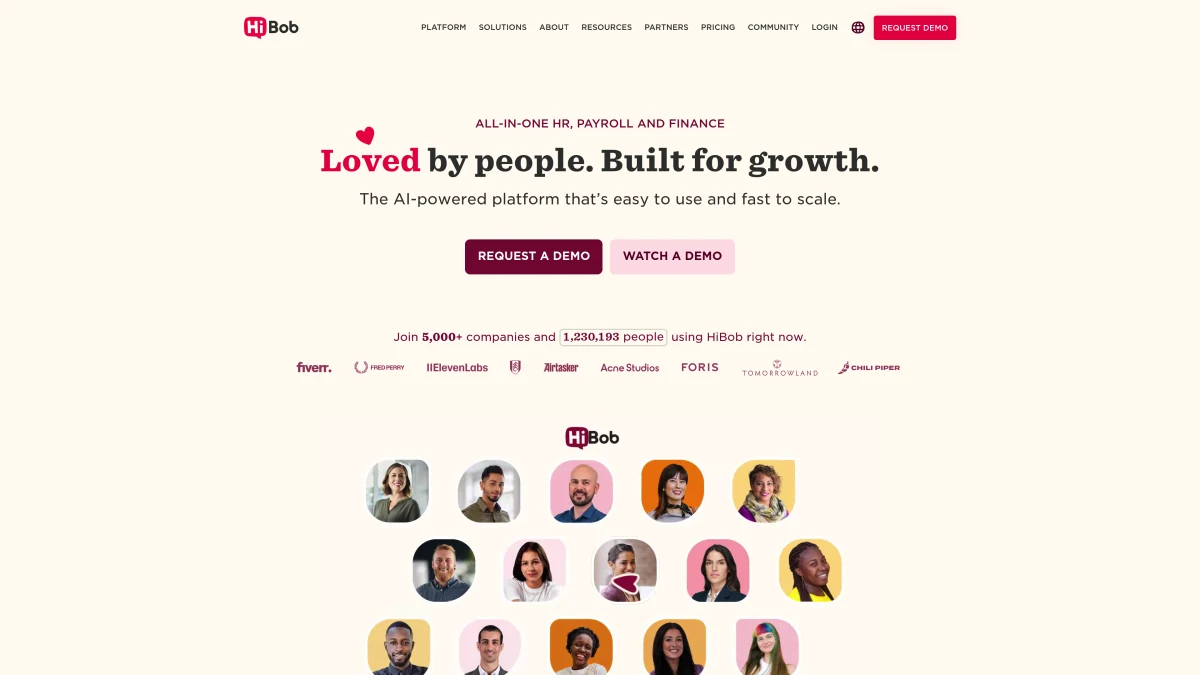
HiBob positions itself as the modern HRIS for companies that prioritize company culture and employee engagement alongside traditional HR functions.
Key Features:
- Culture and engagement tools including surveys and recognition
- Comprehensive people analytics and reporting
- Advanced workflow automation
- Global payroll capabilities (through integrations)
- Mobile-first design with robust app functionality
Pricing: Typically starts around $16 per employee per month, with enterprise pricing available for larger organizations.
Pros:
- Strong focus on employee experience and company culture
- Excellent mobile app with full feature parity
- Robust analytics and reporting capabilities
- Global presence with multi-country support
- Modern, intuitive user interface
Cons:
- Higher price point compared to basic HR platforms
- May be overkill for very small teams (under 20 people)
- Some advanced features require additional modules
- Learning curve for maximizing culture and engagement features
Best for: Companies with 50-500 employees that want to prioritize culture and employee engagement alongside traditional HR functions.
BambooHR: The Established Choice
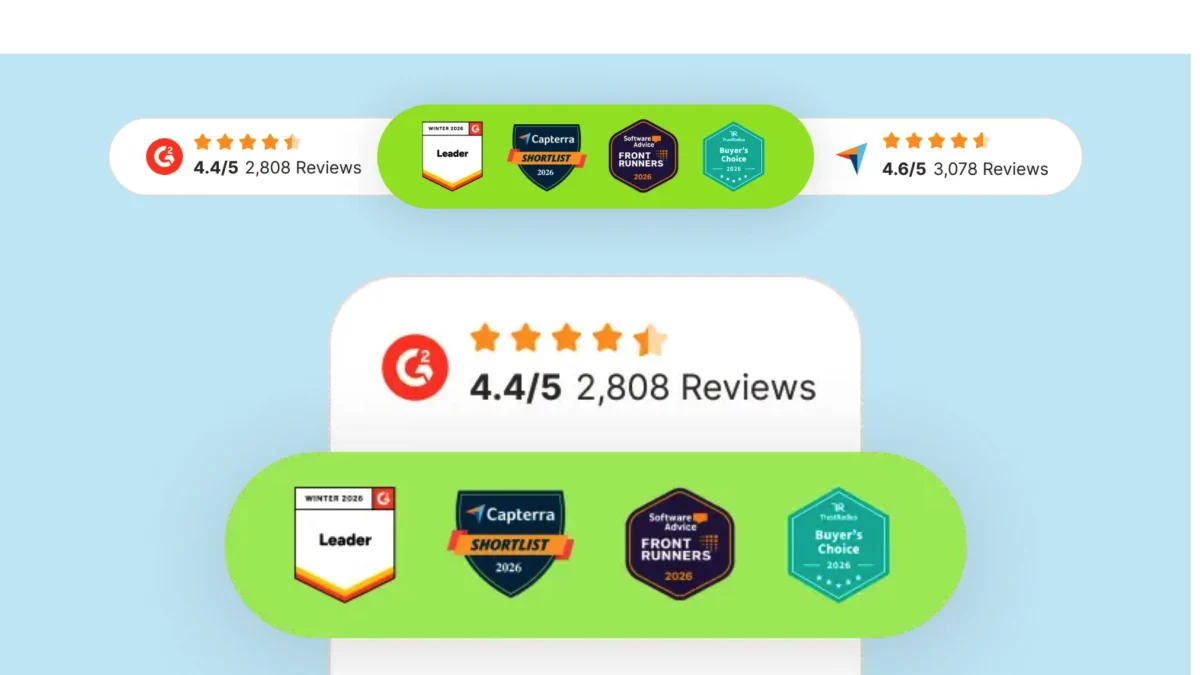
BambooHR has been serving the small to medium business market for over a decade, building a reputation as a reliable, feature-complete HRIS solution.
Key Features:
- Comprehensive employee database with custom fields
- Advanced reporting and analytics
- Applicant tracking system (ATS) with interview scheduling
- Performance management with customizable review cycles
- Time-off management with approval workflows
- Employee self-service portal
Pricing: Generally ranges from $6-13 per employee per month depending on features selected, with payroll as an additional cost.
Pros:
- Mature platform with extensive feature set
- Strong customer support and established user community
- Flexible customization options for workflows
- Reliable uptime and performance
- Comprehensive reporting capabilities
Cons:
- Payroll is an add-on service, not included in base pricing
- Interface feels somewhat dated compared to newer platforms
- Can become expensive when adding multiple modules
- May be overly complex for very small teams (under 10 people)
Best for: Established small businesses (20-200 employees) that need a traditional, full-featured HRIS with proven reliability. For a deeper dive, see our BambooHR alternative comparison.
Gusto: The Payroll Specialist
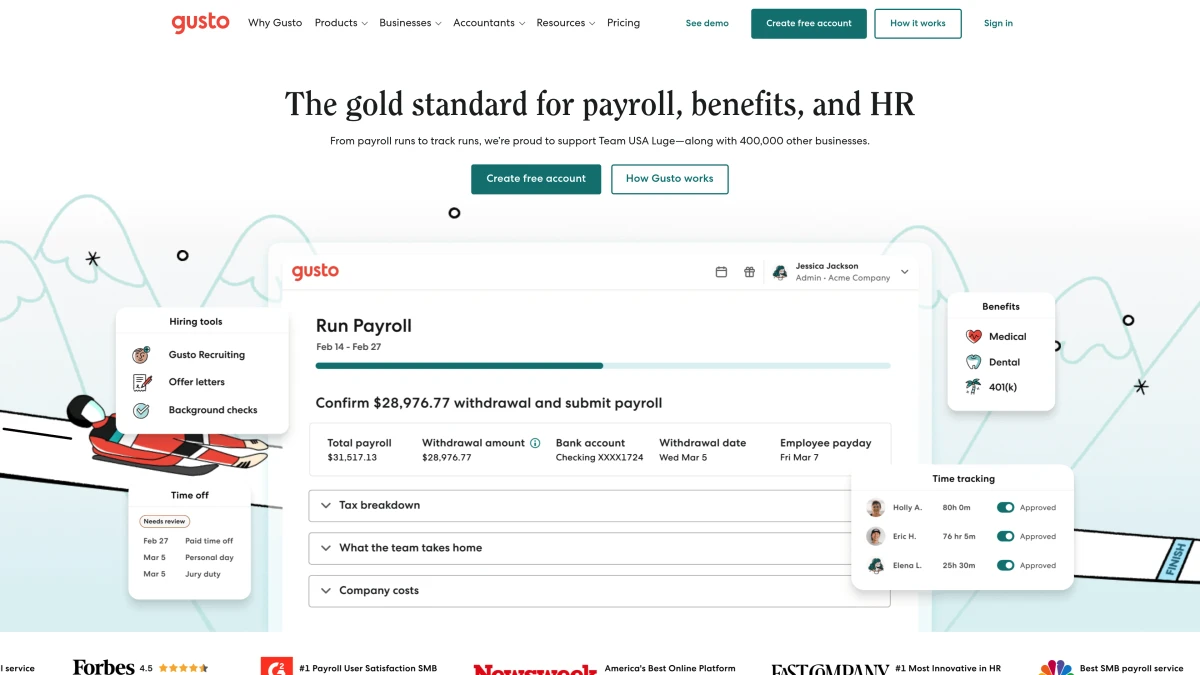
Gusto built their reputation as a payroll provider and has expanded into broader HR functionality while maintaining their core strength in payroll processing and tax compliance.
Key Features:
- Full-service payroll with automatic tax filing
- Benefits administration including health insurance
- Workers' compensation insurance
- Time tracking with overtime calculations
- Basic HRIS functionality and employee self-service
- Compliance tools and tax reporting
Pricing: Plans start at around $6 per employee per month for basic payroll, with full HR features starting at $12 per employee per month.
Pros:
- Excellent payroll processing with strong compliance record
- Integrated benefits marketplace with competitive rates
- User-friendly interface for both employers and employees
- Strong customer support and educational resources
- Transparent pricing with no hidden fees
Cons:
- HR features feel like add-ons to the core payroll product
- Limited customization compared to dedicated HRIS platforms
- Primarily US-focused (limited international capabilities)
- Performance management features are basic compared to specialized platforms
Best for: US-based small businesses (5-100 employees) where payroll processing is the primary concern and HR features are secondary. Check out our Gusto alternative guide for more options.
Rippling: The Power User Platform
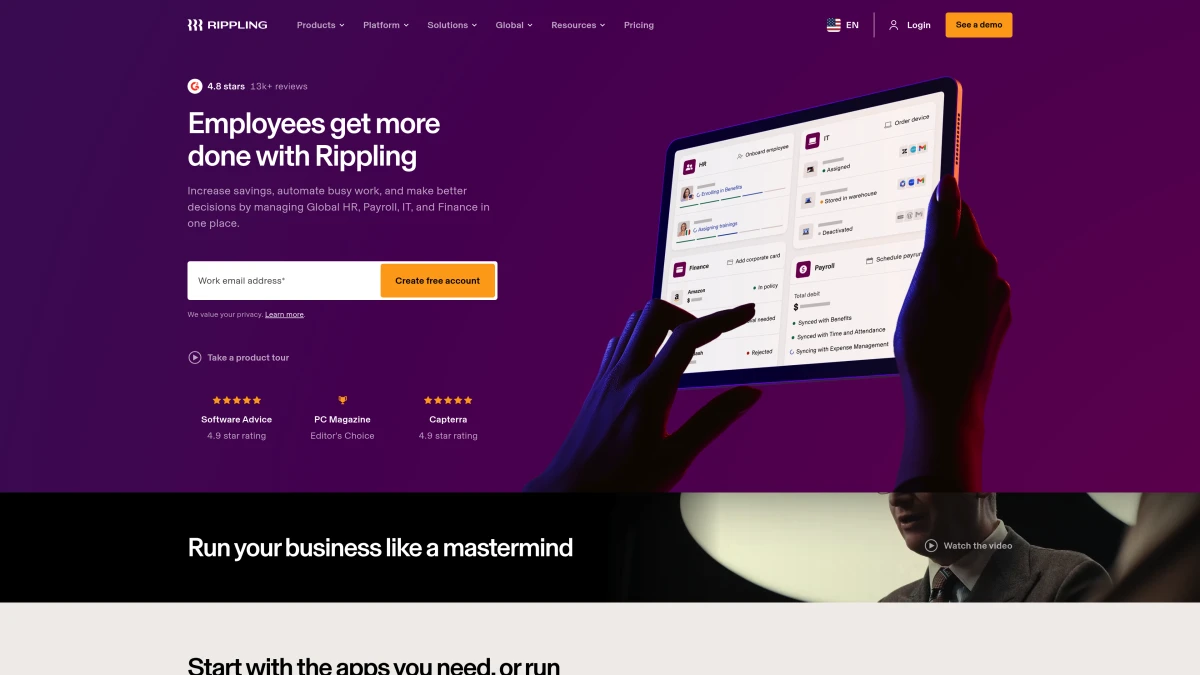
Rippling takes an ambitious approach by attempting to unify HR, IT, and Finance operations in a single platform, creating what they call a "unified workforce platform."
Key Features:
- Integrated HR, IT, and finance management
- Advanced automation and workflow creation
- Global payroll and compliance (90+ countries)
- IT asset management and software provisioning
- Comprehensive app marketplace and integrations
- Advanced permissions and role-based access control
Pricing: Typically starts around $8 per employee per month for basic HR features, with additional costs for IT and advanced modules.
Pros:
- Incredibly comprehensive platform that can replace multiple tools
- Strong automation capabilities reduce manual work
- Global operations support with multi-country payroll
- Modern, well-designed interface
- Extensive integration ecosystem
Cons:
- Can be overwhelming for simple HR needs
- Higher learning curve compared to simpler platforms
- Pricing can escalate quickly when adding modules
- May be overkill for teams that don't need IT/Finance integration
Best for: Fast-growing tech startups (20-500 employees) that want to scale their operations infrastructure without switching platforms.
Zoho People: The Budget Option
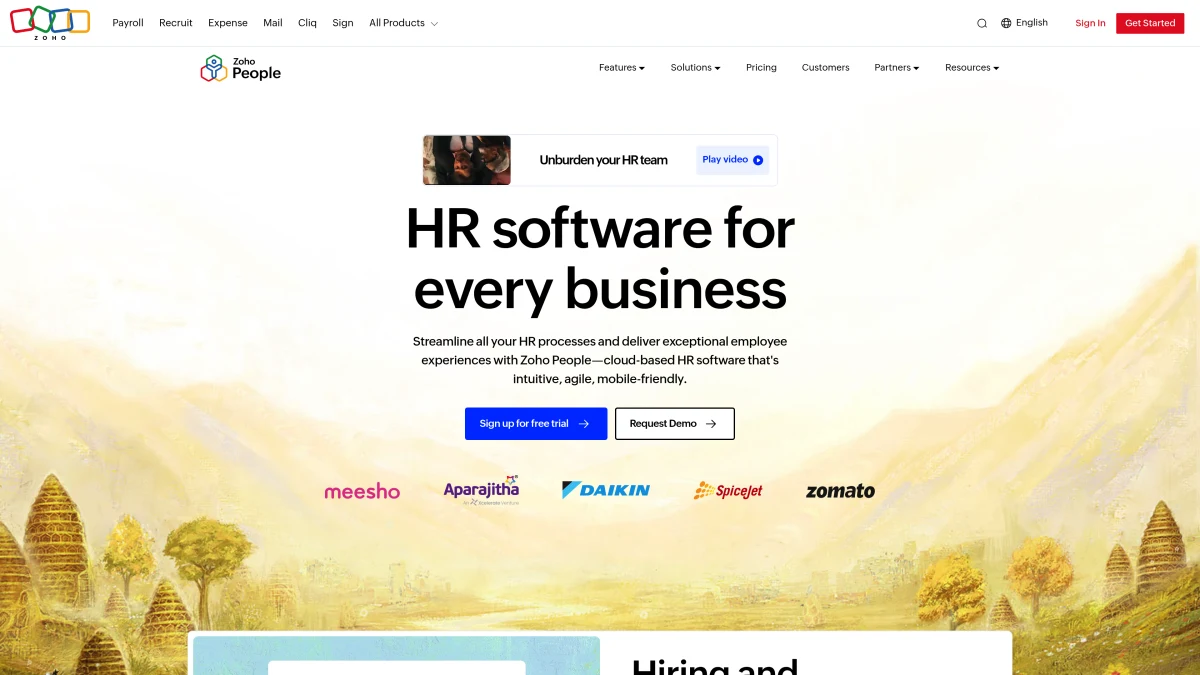
Zoho People is part of the larger Zoho ecosystem and offers HR functionality at significantly lower price points than most competitors.
Key Features:
- Employee database and organizational chart
- Time and attendance tracking
- Leave management with approval workflows
- Basic performance management
- Employee self-service portal
- Integration with other Zoho products
Pricing: Ranges from $1-5 per employee per month depending on the feature set selected.
Pros:
- Very affordable pricing structure
- Good integration with other Zoho business applications
- Decent feature set for the price point
- Customizable workflows and fields
- No setup fees or long-term contracts required
Cons:
- Interface feels dated compared to modern HR platforms
- Limited advanced features compared to premium platforms
- Customer support can be inconsistent
- Some features feel basic compared to specialized competitors
Best for: Very small businesses (5-25 employees) with tight budgets that are already using other Zoho products.
Namely: The Mid-Market Generalist
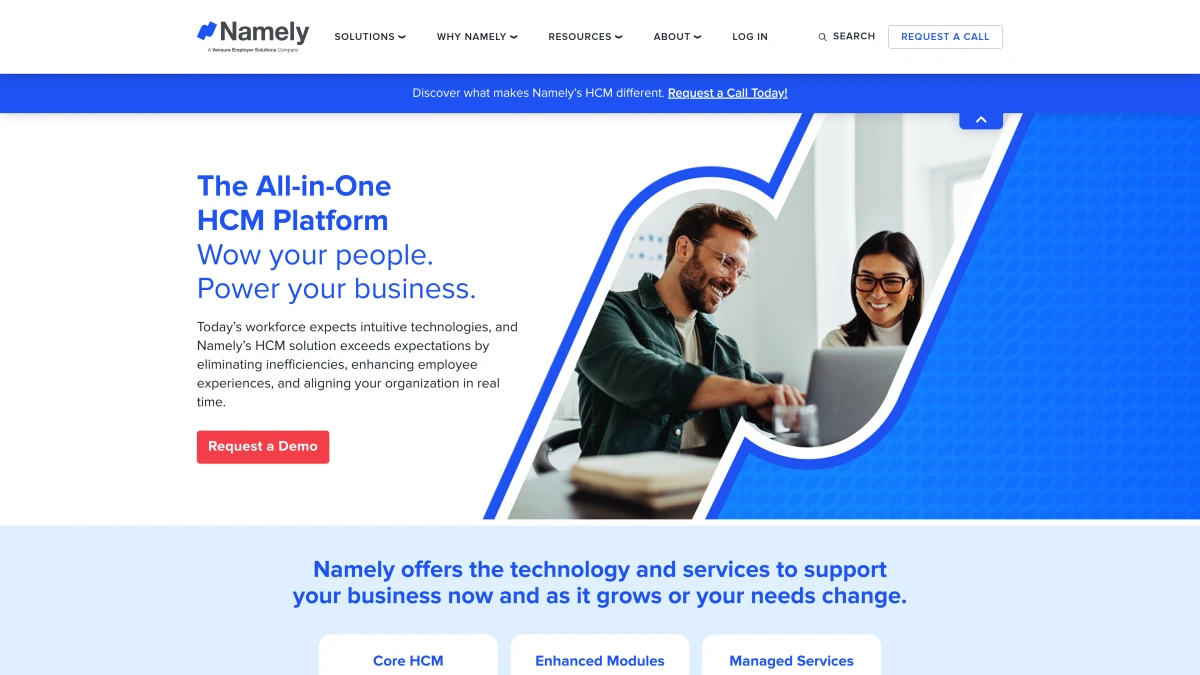
Namely targets the mid-market space with a focus on HR compliance and traditional HRIS functionality for established businesses.
Key Features:
- Comprehensive HRIS with employee lifecycle management
- Integrated payroll and benefits administration
- Compliance tracking and reporting
- Time and attendance management
- Performance management with review cycles
- HR analytics and custom reporting
Pricing: Generally ranges from $12-25 per employee per month depending on modules and company size.
Pros:
- Strong compliance features and reporting
- Full-service payroll and benefits administration
- Established platform with proven reliability
- Dedicated customer success support
- Comprehensive feature set for traditional HR needs
Cons:
- Higher pricing compared to newer platforms
- Interface and user experience feel dated
- Long implementation timeline for full setup
- May be too enterprise-focused for very small teams
Best for: Established mid-market companies (50-500 employees) that prioritize compliance and traditional HR processes over modern user experience.
Pricing Comparison: The Real Cost Analysis
When evaluating HR software pricing, it's crucial to understand the true total cost of ownership, not just the advertised per-employee monthly fee.
| Platform | Base Cost (50 employees) | Additional Fees | True Monthly Cost |
|---|---|---|---|
| Tiny Team | $79/month flat ($948/yr) | None | $79/month total (free up to 10) |
| HiBob | $16/employee | Setup, advanced features | ~$850+/month |
| BambooHR | $13/employee | Payroll add-on | ~$700+/month |
| Gusto | $12/employee | Benefits markup | ~$650+/month |
| Rippling | $8/employee | Module add-ons | ~$500+/month |
| Zoho People | $5/employee | Limited features | ~$250/month |
| Namely | $18/employee | Implementation | ~$950+/month |
The hidden costs to watch for:
Implementation and setup fees can range from $500 to $5,000 depending on the platform and complexity of your needs. Some platforms include this in their onboarding, while others charge separately.
Module-based pricing means that advertised rates often only include basic features. Adding payroll, benefits administration, performance management, or advanced reporting can double or triple your monthly costs.
Per-transaction fees for payroll processing, benefits enrollment, or background checks add up quickly and are rarely included in base pricing calculations.
Data migration costs if you're switching from another system can be substantial, both in direct fees and internal time investment.
How We Evaluated These Platforms
Our evaluation process involved hands-on testing of each platform over a three-month period, focusing on the real-world needs of small business owners and operations managers.
Evaluation Criteria:
Ease of Setup (25% weight): How quickly can a non-HR professional get the system up and running? We timed the setup process from account creation to first employee onboarding.
Feature Completeness (20% weight): Does the platform handle the essential HR functions without requiring additional tools or integrations?
User Experience (20% weight): How intuitive is the interface for both administrators and employees? We tested with actual small business teams to gauge adoption rates.
Pricing Transparency (15% weight): How easy is it to understand the true cost of ownership? We looked for hidden fees, surprise charges, and pricing clarity.
Customer Support (10% weight): Quality and responsiveness of help when things go wrong. We tested support channels during business hours and after hours.
Scalability (10% weight): How well does the platform grow with your business? We evaluated upgrade paths, data migration, and feature availability across pricing tiers.
Testing Methodology:
We created test companies of different sizes (10, 25, 50 employees) and ran typical HR workflows including new hire onboarding, PTO requests, performance reviews, and reporting. Each platform was tested by both HR professionals and non-HR small business owners to evaluate ease of use from different perspectives.
Real-world scenarios included handling complex PTO policies, managing remote employee data, generating compliance reports, and integrating with existing business tools like email and accounting software.
Making the Right Choice for Your Team
The best HR software isn't the one with the most features — it's the one that solves your specific problems without creating new ones.
Start with your biggest pain point:
If payroll processing keeps you up at night, Gusto's proven payroll expertise might be worth the premium. Their tax compliance record and benefits marketplace can eliminate multiple vendor relationships.
If employee engagement is your primary concern, HiBob's culture-focused features and analytics can provide insights that traditional HRIS platforms miss.
If predictable costs matter more than cutting-edge features, Tiny Team's flat-rate pricing eliminates the anxiety of per-employee charges as you grow.
If comprehensive automation appeals to your tech-savvy team, Rippling's unified platform approach can streamline operations across HR, IT, and Finance.
According to SHRM's research on HR technology adoption, small businesses that invest in HR software early see measurable improvements in employee retention and compliance.
Consider your growth trajectory: A 10-person startup has different needs than a 50-person established business. Choose a platform that fits your current size but can scale without forcing a complete migration in 18 months.
Factor in your team's technical comfort level: Some platforms require more setup and ongoing management than others. Be honest about your team's capacity for learning new systems and ongoing administration.
Budget for the hidden costs: Implementation, training, data migration, and module add-ons can significantly impact your total cost of ownership. Get detailed quotes that include all anticipated needs, not just basic features.
Industry-Specific Considerations
Professional Services: Teams with billable hours need robust time tracking integration. Rippling and BambooHR offer strong project time allocation features.
Retail and Hospitality: If you manage hourly workers with complex scheduling needs, consider platforms with strong shift management capabilities. Some HR platforms integrate better with point-of-sale systems and scheduling tools.
Remote-First Companies: Global payroll capabilities become crucial for distributed teams. Rippling and HiBob offer stronger international employee management than US-focused platforms like Gusto.
Regulated Industries: Healthcare, finance, and other regulated sectors need enhanced compliance features and audit trails. Namely and BambooHR offer stronger compliance reporting than newer platforms.
Implementation Best Practices
Plan for a 2-4 week implementation timeline even with "quick setup" platforms. Employee data migration, policy configuration, and team training take time regardless of platform simplicity.
Start with core features first: Don't try to configure every available feature during initial setup. Get basic employee data and time-off management working before adding performance reviews or advanced reporting. If you're also setting up onboarding workflows, our new hire onboarding checklist can help.
Involve your team in the selection process: The people who will use the system daily should have input on interface preferences and workflow requirements. Consider running a brief trial with key users before making the final decision.
Plan your data migration strategy: Clean up your existing employee data before migration. This is an excellent opportunity to standardize job titles, update contact information, and organize documents.
Frequently Asked Questions
How much should a small business budget for HR software?
Most small businesses spend between $5-20 per employee per month on HR software, depending on feature requirements and company size. However, this can vary significantly based on whether you need payroll processing, benefits administration, and advanced features. For a 25-person team, budget $125-500 monthly for comprehensive HR software, with additional costs for implementation and training.
Can I switch HR platforms if my current one isn't working?
Yes, switching HR platforms is common and most vendors support data export and migration. However, plan for 4-8 weeks of transition time and consider the disruption to your team. The key is choosing a platform with good data export capabilities from day one, so you're not locked in if your needs change. Most modern HR platforms offer migration assistance for new customers.
Do small businesses really need dedicated HR software with fewer than 20 employees?
Absolutely. Even a 5-person team benefits significantly from automated onboarding, centralized employee data, and simple PTO tracking. The time savings from eliminating spreadsheet management and manual processes typically pays for the software within the first month. Plus, having proper HR systems in place from early growth stages prevents compliance issues as you scale.
What's the difference between HRIS and HCM software for small businesses?
HRIS (Human Resource Information Systems) focus on data management, employee records, and basic HR processes. HCM (Human Capital Management) platforms include broader talent management features like performance reviews, learning management, and advanced analytics. For small businesses, HRIS functionality usually provides better value, as HCM features often require dedicated HR staff to manage effectively.
How important is mobile access for small business HR software?
Mobile access is increasingly crucial, especially for distributed teams or businesses with hourly workers. Employees expect to request time off, view pay stubs, and update personal information from their phones. However, mobile functionality varies significantly between platforms — some offer full feature parity while others provide basic read-only access. Evaluate mobile capabilities based on your team's specific needs.
Should I choose HR software that includes payroll, or keep them separate?
This depends on your current payroll setup and complexity. Integrated HR and payroll platforms like Gusto eliminate data synchronization issues and provide a single vendor relationship. However, if you have complex payroll needs (multiple pay schedules, union requirements, etc.) or existing relationships with payroll providers, separate systems might offer more flexibility. Consider the total cost and administrative overhead of your current setup versus integrated solutions.
Final Recommendations
After extensive testing and evaluation, here are our top recommendations by business scenario:
Best Overall Value: Tiny Team — The flat-rate pricing model eliminates the anxiety of per-employee charges while providing comprehensive HR features. Perfect for growing teams that want predictable costs and don't need built-in payroll processing.
Best for Payroll-Centric Needs: Gusto — If payroll processing is your primary concern and HR features are secondary, Gusto's proven expertise and integrated benefits marketplace provide excellent value.
Best for Rapid Scaling: Rippling — Tech-savvy startups planning aggressive growth will appreciate the unified platform approach and comprehensive automation capabilities, despite the higher learning curve.
Best for Culture-Focused Teams: HiBob — Companies that prioritize employee engagement and company culture alongside traditional HR functions will find HiBob's specialized features worth the premium pricing.
Best Budget Option: Zoho People — For very small teams with minimal HR needs and tight budgets, Zoho provides adequate functionality at significantly lower cost than premium platforms.
The HR software landscape continues evolving rapidly, with new platforms launching regularly and established players adding features. The key is choosing a solution that fits your current needs while providing room to grow. Focus on solving today's problems first — you can always migrate to more sophisticated platforms as your requirements become more complex.
Remember, the best HR software is the one your team actually uses. A simple platform that gets adopted organization-wide beats a feature-rich system that sits unused because it's too complex for daily operations.
For more insights on managing growing teams, explore our guides on people management, browse the best employee management software, and check out useful tools like our PTO calculator to help streamline your HR processes.