A personnel file is a collection of documents that records an employee's entire relationship with your company — from the moment they accept a job offer to the day they leave. Think of it as the official story of each person on your team, told through paperwork.
Getting personnel files right matters more than most HR managers realize. Missing documents can expose you to lawsuits, compliance fines, and audit failures. Overstuffing files with the wrong records (like medical information) creates its own legal headaches.
This guide covers exactly what goes in, what stays out, how state laws affect your approach, and includes a ready-to-use checklist you can implement today.
What Is a Personnel File?
A personnel file (also called an employee file or personnel record) is the central repository of employment-related documents for each individual worker. It serves three core purposes:
- Legal compliance — Proof you followed hiring, wage, and termination laws
- Operational reference — Quick access to job details, compensation history, and performance records
- Dispute protection — Documentation to defend against wrongful termination claims, unemployment disputes, or discrimination allegations
Every employer with even a single employee should maintain personnel files. The U.S. Department of Labor requires employers to keep certain employment records, and most states layer additional requirements on top.
The key distinction to understand: a personnel file is not a dumping ground for every piece of paper connected to an employee. It's a curated, organized collection of specific document types — with certain sensitive categories stored separately.
What Should Be in a Personnel File

The contents of a personnel file typically span the full employee lifecycle. Here's a breakdown by category.
Hiring and Onboarding Documents
These establish the foundation of the employment relationship:
- Job application and resume/CV
- Job description for the role
- Offer letter (signed)
- Employment agreement or contract
- W-4 form (federal tax withholding)
- State tax withholding forms
- Direct deposit authorization
- Emergency contact information
- Signed employee handbook acknowledgment
- At-will employment acknowledgment
- Non-compete or NDA agreements (if applicable)
- Background check consent and results
Tip: Many of these overlap with your new hire paperwork checklist. Use that as your intake guide, then file completed documents here.
Employment Records
These track the ongoing relationship:
| Document Type | What It Covers | Update Frequency |
|---|---|---|
| Compensation records | Salary history, raises, bonuses | At each change |
| Job title changes | Promotions, lateral moves, demotions | At each change |
| Department transfers | Team/reporting changes | At each change |
| Work schedule agreements | Part-time, flex, remote arrangements | As needed |
| Training certifications | Completed courses, licenses | As completed |
| Awards and commendations | Recognition, achievements | As earned |
Performance Documentation
Performance records create a paper trail that protects both the employer and employee:
- Annual and mid-year performance reviews
- Goal-setting documents and progress notes
- Performance improvement plans (PIPs)
- Written warnings and corrective action forms
- Manager notes from 1-on-1 meetings (factual observations only)
- Attendance records and tardiness documentation
Separation Documents
When the employment relationship ends, these close the loop:
- Resignation letter or termination notice
- Exit interview notes
- Final performance review
- Return-of-property checklist
- Severance agreement (if applicable)
- COBRA notification documentation
What Should NOT Be in a Personnel File

This is where many small companies make costly mistakes. Certain documents carry legal protections that require them to be stored separately from the main personnel file.
A 25-person marketing agency in Denver learned this the hard way. During a wrongful termination lawsuit, the opposing attorney discovered medical records mixed into the main personnel file — accessible to anyone with file cabinet access. The result: an additional ADA violation claim stacked on top of the original suit, ultimately costing the company over $40,000 in settlements.
Keep These in Separate, Restricted Files
Medical and health records (ADA requirement):
- Doctor's notes and fitness-for-duty certifications
- FMLA leave requests and medical certifications
- Workers' compensation claims
- Drug test results
- Disability accommodation requests
- Health insurance enrollment forms
The Americans with Disabilities Act requires that medical information be stored in a separate, confidential file with restricted access — typically limited to HR personnel and direct supervisors with a need to know.
I-9 forms: Store Form I-9s in their own file or binder. During an ICE audit, you'll need to produce all I-9s quickly — and you don't want auditors flipping through your full personnel files.
Investigation records: Keep workplace investigation files (harassment complaints, discrimination investigations, ethics violations) separate. These may involve multiple employees and contain witness statements that shouldn't be in any individual's file.
EEO and demographic data: Race, ethnicity, gender, age, veteran status, and disability self-identification data should never be in personnel files. Store these in a separate, anonymized system used only for required government reporting.
Payroll tax documents: W-2s, garnishment orders, and detailed tax records typically belong with your payroll provider or in a separate payroll file system.
Personnel File Laws by State
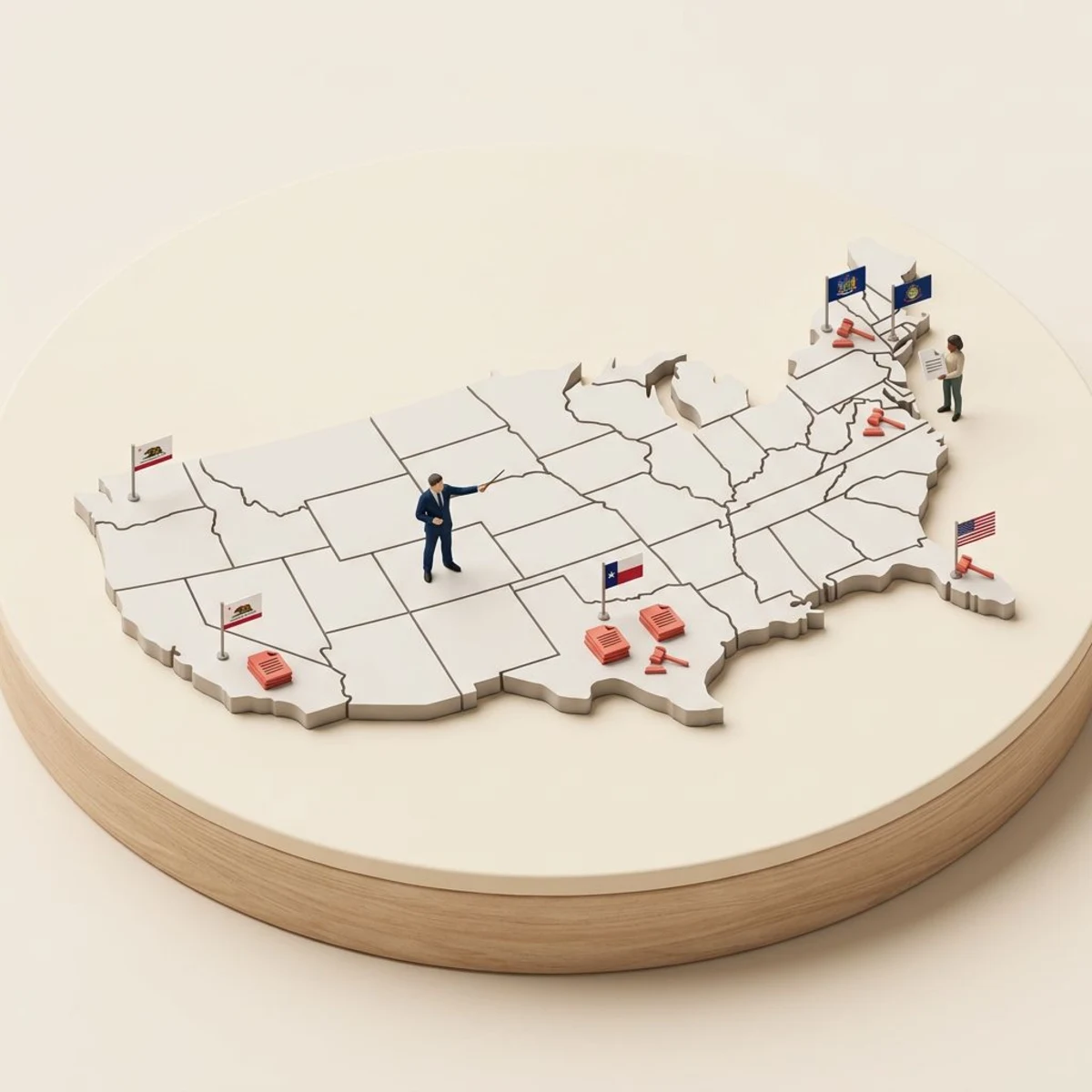
There's no single federal law governing personnel file access. Instead, requirements vary dramatically by state. Here are the key areas where states diverge.
Employee Access Rights
Some states require you to let employees view or copy their personnel files. Others have no such requirement at all.
| Access Level | States |
|---|---|
| Must allow inspection + copies | California, Connecticut, Illinois, Massachusetts, Michigan, Minnesota, Oregon, Pennsylvania, Washington, Wisconsin |
| Must allow inspection only | Alaska, Colorado, Delaware, Iowa, Maine, New Hampshire, Rhode Island |
| No state law requiring access | Alabama, Arizona, Florida, Georgia, Kansas, Mississippi, New York, Texas, Virginia |
In states like California, employees can request to inspect their file within 30 days of the request, and you must provide copies within that window. The California Labor Code Section 1198.5 spells out the specifics.
Retention Requirements
How long must you keep files after an employee leaves? The answer depends on which laws apply.
According to SHRM's recordkeeping guidelines, the general recommendations are:
- General personnel records: 7 years after termination
- Hiring records (applications, resumes): 1–3 years
- I-9 forms: 3 years from hire date or 1 year after termination (whichever is later)
- Payroll records: 3–7 years depending on the state
- Medical records: Duration of employment + 30 years (OSHA requirement for exposure records)
States with Specific Penalties
Some states impose fines or create a private right of action for employees denied access:
- California: Employee can recover $750+ in penalties per violation
- Illinois: Employers must comply within 7 working days or face potential damages
- Massachusetts: Employees who are denied access can file with the Attorney General
When in doubt, consult an employment attorney familiar with your specific state. The cost of a one-hour consultation is far less than the cost of a compliance violation.
How to Organize Personnel Files
Organization isn't glamorous, but it's what separates an HR department that can respond to an audit in 30 minutes from one that panics for a week.
The Five-File System
Best practice is to maintain five separate files per employee rather than cramming everything into one folder:
- Main personnel file — Hiring docs, performance records, compensation history, separation documents
- Medical/confidential file — All health-related records, ADA accommodations, FMLA paperwork
- I-9 file — Employment eligibility verification (can be one master binder for all employees)
- Payroll file — Tax forms, direct deposit info, garnishments
- Investigation file — Created as needed for workplace complaints or investigations
Access Controls
Not everyone should see everything. Set clear access levels:
- HR team: Full access to all file types
- Direct managers: Main personnel file only (no medical, payroll, or investigation files)
- Employees: Their own main file (in states requiring access)
- Legal counsel: All files as needed during disputes
- External auditors: I-9 files and specific records as required
File Naming and Structure
Whether physical or digital, use a consistent naming convention:
[Last Name, First Name]/
├── 01-Hiring/
│   ├── application.pdf
│   ├── offer-letter-signed.pdf
│   └── handbook-acknowledgment.pdf
├── 02-Employment/
│   ├── compensation-history.pdf
│   └── title-change-2025.pdf
├── 03-Performance/
│   ├── review-2025-annual.pdf
│   └── pip-2025-q3.pdf
└── 04-Separation/
    └── resignation-letter.pdf
Digital vs. Physical Personnel Files

The shift from filing cabinets to digital systems isn't just about convenience — it's about security, searchability, and scalability.
Side-by-Side Comparison
| Factor | Physical Files | Digital Files |
|---|---|---|
| Security | Locked cabinet, limited by physical keys | Encrypted, role-based access, audit trails |
| Search speed | Minutes to hours | Seconds |
| Disaster recovery | Vulnerable to fire, flood, theft | Cloud-backed, redundant storage |
| Space requirements | 1 filing cabinet per ~50 employees | Zero physical space |
| Cost | Cabinets, paper, printing, storage space | Software subscription |
| Compliance | Manual tracking of access | Automatic audit logs |
| Remote access | Office-only | Anywhere with internet |
Making the Transition
If you're moving from paper to digital, don't try to scan 10 years of files in one weekend. Take a phased approach:
- Start with new hires — Go fully digital for anyone hired from today forward
- Prioritize active employees — Scan current staff files next, starting with the most recent documents
- Archive terminated employees — These can wait. Scan them gradually over 3–6 months
- Establish a cutoff — Pick a date. Everything before that date stays in the physical cabinet (locked). Everything after goes digital.
A tool like Tiny Team can serve as your digital employee records hub — storing personal details, documents, compensation history, and notes in one centralized location with built-in access controls.
Personnel File Checklist

Use this checklist organized by employee lifecycle stage. Check off each item as you collect it.
Pre-Hire / Offer Stage
- Signed offer letter
- Employment agreement or contract
- Non-compete / NDA (if applicable)
- Background check consent and results
- Reference check notes
First Day / Onboarding
- Completed job application
- Resume / CV
- W-4 (federal tax withholding)
- State tax withholding form
- Direct deposit authorization
- Emergency contact form
- Signed employee handbook acknowledgment
- At-will employment acknowledgment
- Benefits enrollment forms (store in medical file)
- I-9 form (store in separate I-9 file)
- Company property receipt (laptop, keys, badge)
During Employment
- Annual performance reviews
- Goal-setting documents
- Compensation change records
- Promotion or title change documentation
- Training certificates and licenses
- Written warnings or corrective actions
- PIP documentation
- Awards and recognition records
- Schedule or work arrangement changes
Separation
- Resignation letter or termination notice
- Final performance review
- Exit interview notes
- Return-of-property checklist
- Severance agreement (if applicable)
- COBRA notification records
- Offboarding checklist completion
Retention Tracking
- Note the employee's last day
- Set a calendar reminder for file destruction date (7 years post-termination for general records)
- Confirm all required retention periods are met before destroying any documents
Frequently Asked Questions
How long should you keep a personnel file after termination?
The safest approach is 7 years after the employee's termination date for general personnel records. However, specific documents have different requirements: I-9 forms must be kept for 3 years from the hire date or 1 year after termination (whichever is later), and OSHA-related medical records may need to be retained for 30 years. Check your state's specific requirements, as some states mandate longer retention periods.
Can an employee request to see their personnel file?
It depends on your state. Over 20 states grant employees the right to inspect and/or copy their personnel files. In California, Illinois, and Massachusetts, employers must comply within a specific number of days (typically 7–30). Even in states without a legal requirement, many employers allow access as a best practice to maintain trust and transparency.
What is the difference between a personnel file and an employee file?
These terms are used interchangeably. Both refer to the collection of employment-related documents maintained for each worker. Some HR professionals use "employee file" as a broader term that encompasses all five file types (personnel, medical, I-9, payroll, and investigation), while "personnel file" refers specifically to the main employment records.
Should you keep personnel files for independent contractors?
Yes, but with different contents. Contractor files should include the signed contract or service agreement, W-9 form, invoices and payment records, insurance certificates, and any NDAs. Do not include documents that suggest an employer-employee relationship (like performance reviews or attendance records), as this could complicate your worker classification.
Who should have access to personnel files?
Limit access to HR staff, the employee's direct manager (main file only), and the employee themselves (in states requiring access). Medical files should be restricted to HR personnel with a need to know. Never allow open access to personnel files — this creates both legal liability and trust issues. Use an HR document management system with role-based permissions when possible.
Are digital personnel files legally acceptable?
Yes. Federal law and most state laws accept electronic records as equivalent to paper records, provided they can be reproduced accurately. The Electronic Signatures in Global and National Commerce Act (E-SIGN) and the Uniform Electronic Transactions Act (UETA) provide the legal framework. Just ensure your digital system includes access controls, audit trails, and reliable backup procedures.